The launch-build field guide observes curfew at 18:00: customers stop, but you can still prepare the farm and workshop before pressing End Day.
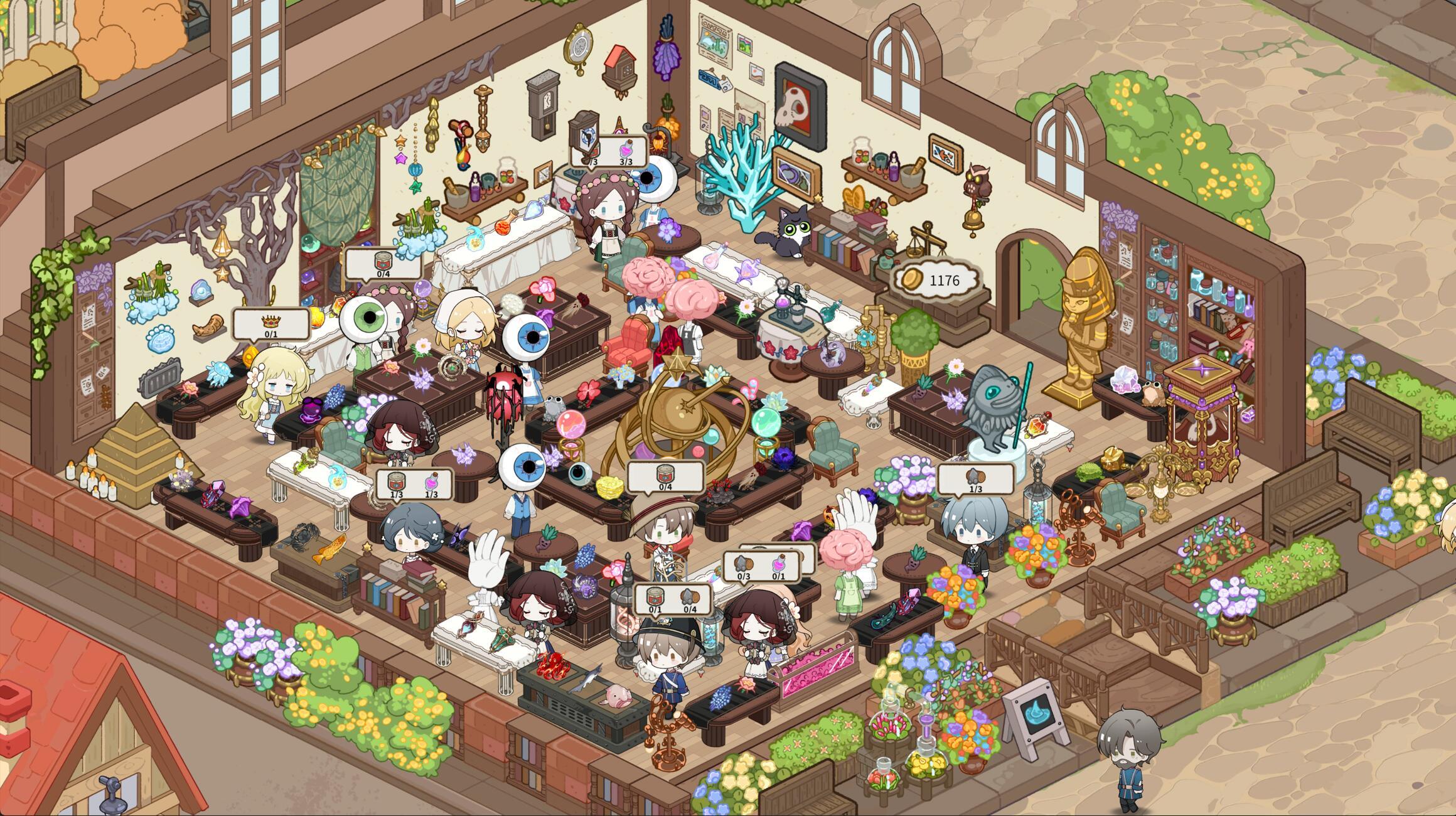
What changes at 18:00
An independent launch-build field guide records the active day beginning at 06:00 and shop curfew at 18:00. At curfew, customers stop arriving and the clock pauses; the player can continue workshop preparation before choosing End Day.
This is a gameplay observation from a secondary source, not a developer patch-note promise. If your current build displays different timing, follow the in-game clock and quest UI.
Use the paused evening for setup
Before ending the day, inspect empty plots, production queues, shop stock and tomorrow’s quest requirements. The same field guide reports that crops and processing equipment advance after End Day, so preparing inputs first can reduce idle capacity.
Do not sell materials reserved by an active quest simply to fill shelves. The current quest tracker is the authority for your save.
Workshop Level before a rigid build order
The field guide recommends watching the Workshop Level requirements because levels raise limits and unlock systems. Treat that as a planning framework rather than a universal speedrun order: v1.0.2 changed Alchemy so main-story progress is no longer required for that unlock.
Check the Level List, satisfy the requirements visible in your game, then decide whether the next bottleneck is farmland, processing, sales or a quest gate.
A repeatable end-of-day checklist
- Read tomorrow-facing quest and order requirements.
- Reserve required materials before stocking ordinary sales.
- Refill useful plots and production queues where possible.
- Check Peoplesprout assignments and Sanity after they unlock.
- Make a separate save before a story decision you may want to revisit.
- Press End Day only when you are satisfied with the setup.
Does opening a menu pause time?
A Steam discussion titled autopause during menus is visible in this review. Its title establishes the question, not an answer or a confirmed settings option. The launch-build observation about the paused post-curfew period above must not be generalized to every daytime menu.
Before leaving the game unattended, use an explicit pause control if your build offers one. As a small check, note the displayed clock, open the relevant menu briefly, then compare the clock after closing it. Record the version and menu name. This is a suggested observation, not a claim that a particular screen pauses the simulation.
Night worker inactivity is a separate v1.0.5 issue
The developer reports a fix for Humanwood not working at night. That does not establish whether every daytime menu pauses the game, or change the older curfew observation above. For an assigned worker doing nothing, use the night-work checklist before drawing a conclusion about the day cycle.
Sources & further reading
Last reviewed 2026-09-29.